
SETAF2018: Professional 3D Terrain Modeling and Geotechnical Integration Module
Transform complex terrain data into analyzable 3D models in seconds. Combine your AutoCAD data with borehole logs to create a digital twin and cross-section reports for your project.
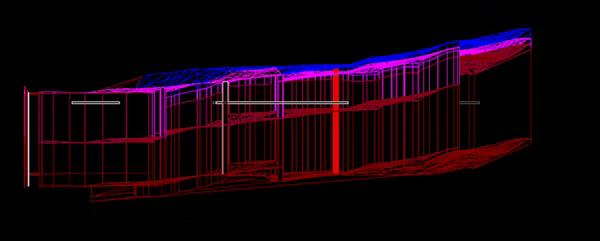
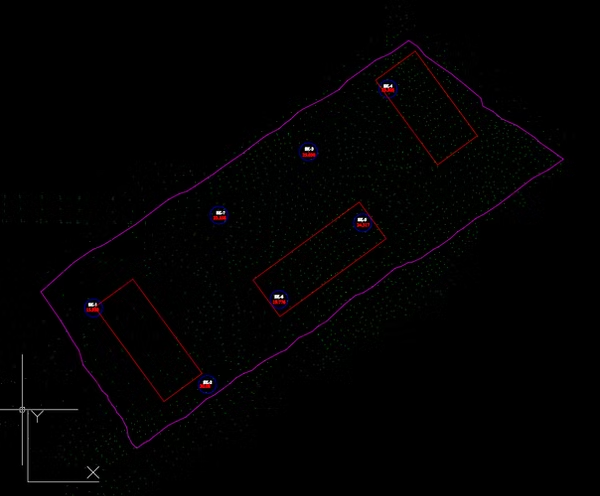
Layered Soil Profile Modeling
Create a true engineering model, not just a surface drawing. When you input borehole data into the system, the software connects the soil layers in harmony with the terrain topography. This feature allows groundwater level and layer changes to be observed in 3D.
- Dynamic Layer Connections
- Groundwater Level Analysis
- Topography-Compliant Cross-Sections
Delaunay Triangulation Engine
At the heart of the software, the triangulation engine creates the most realistic surface form in rugged terrains and steep slopes. This mesh structure allows the model to be exported as DWG and used as volumetric data in other engineering software.
Mathematical algorithm optimized for precise surface formation and seamless data transfer.
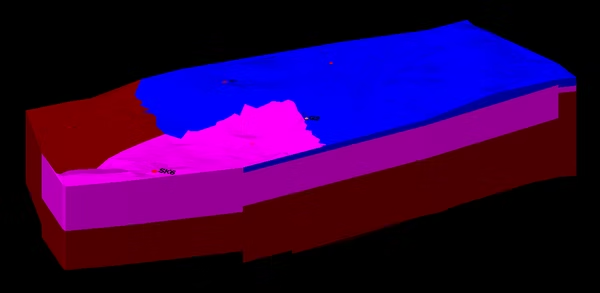
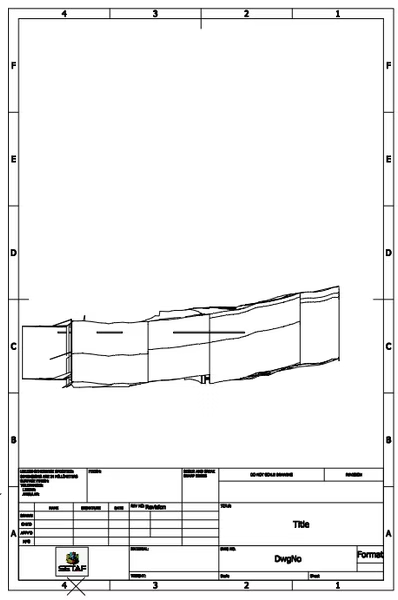
Cross-Section and Perspective Automation
Interactively select any desired line on the model to obtain an instant 2D soil cross-section. Additionally, you can obtain perspective drawings of the model from different angles (front, side, top) and directly include them in your technical reports.


